Foreword
In my last article, H200 vs B200: Which GPU Should You Rent for LLM Inference?, we settled the question most teams face first: which single card to rent. This article moves to the top of the rental menu. B100 and B300 are both Blackwell-generation cards, and choosing between them is less about benchmark headlines and more about the shape of your deployment. I will walk through what you are actually renting at this tier, where each card fits, and how to decide without overbuying.
First, a Reality Check: You Are Renting a Deployment
Here is the biggest difference between this tier and the H200 tier, and it rarely makes it into comparisons. H100 and H200 can be rented as a single card — that is how most people meet them. B100 and B300 are different animals. B100 rentals start at multi-GPU servers or custom builds; B300 goes further and is offered as whole machines, clusters, or custom solutions.
What does that mean in practice? Once you are in this tier, you are no longer “renting a GPU” — you are planning a small deployment: interconnect, cooling, and a budget conversation with real numbers in it. If your workload still fits on one or two cards, the previous article’s comparison is the one you need. B100 vs B300 is a cluster-planning question.
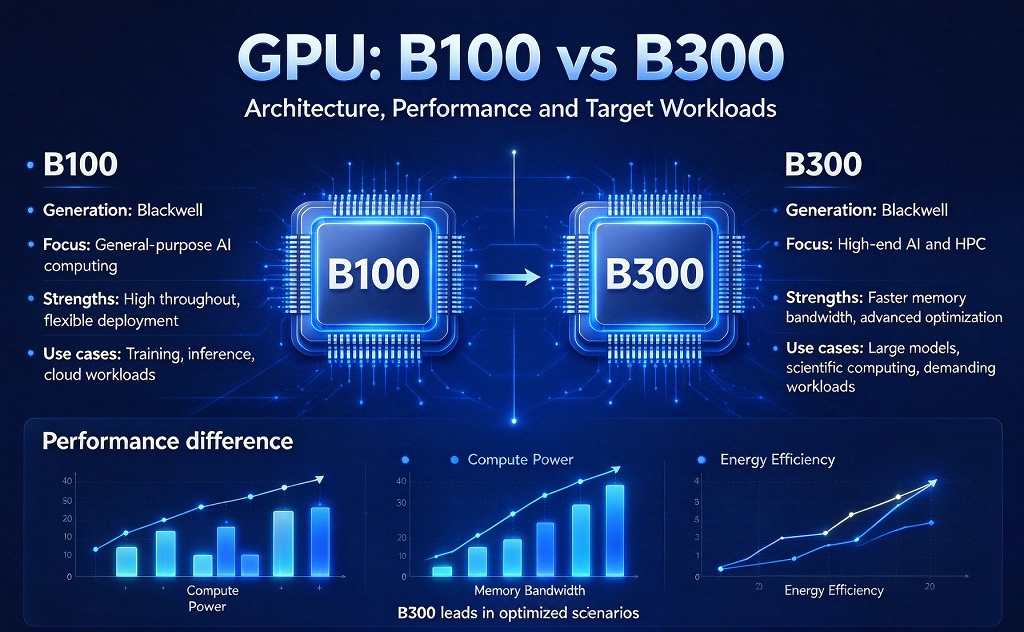
Where B100 Fits: Your First Step into Blackwell
B100 is the practical entry point of the Blackwell generation. Stepping up from Hopper-era cards, you get the newer Tensor Core generation with FP4 compute, higher memory bandwidth, and a doubled NVLink ceiling — the same architectural family as B200, in a configuration that is friendlier to plan a first deployment around.
The workloads it fits, in my order of priority:
Training runs that have outgrown H200-class machines — when sharding across Hopper cards starts eating more engineering time than it saves;
Inference services where multi-GPU serving is already your normal — you are not debating whether to shard, only on what;
Multimodal applications — vision and language models sharing one pool of GPUs, which is exactly the “new-gen training, inference and multimodal” niche B100 was built for.
If your team is stepping into Blackwell for the first time, B100 is the card you learn it on — new enough to future-proof the project, not so bleeding-edge that every week brings a fresh workaround.
Where B300 Fits: Headroom as a Strategy
B300 — the Blackwell Ultra tier — is the flagship. Memory per card moves to 288GB of HBM3e (versus 192GB on B200-class cards), FP4 throughput pushes higher again, and the whole design assumes it will live in a cluster, not a lone server.
Renting B300 is a headroom decision. It fits when:
You are training models so large that the previous tier forces awkward sharding — 288GB per card buys back a lot of pipeline complexity;
You are building an AI cluster meant to serve several teams or products, not one project;
Your inference traffic keeps climbing and you want throughput that stays ahead of it, not level with it.
The honest trade-off: at this tier you pay for capability you may not fully use on day one. That is not waste if growth is real; it is overbuying if it is not.
The Decision Is Really About Scale
Once the question is framed as “which tier of deployment,” the decision gets simpler:
Two more tips from experience. First, measure before you jump: if you are unsure how much compute the deployment actually needs, How to Calculate Compute for High-Concurrency Systems walks through the math, and a short rental at the lower tier while you profile beats a long commitment at the wrong one. Second, check availability early — flagship-tier machines book out faster than single cards, so confirm supply before you check the benchmark charts.
If you want to see what the ladder looks like in practice, VMRack’s GPU rental lineup spans H100, H200, B100, B200 and B300, with multi-GPU servers, whole machines and custom cluster options, so each tier can be tested with a short rental before committing.
Final Thoughts
B100 vs B300 is not “good vs better” — it is a scale question. B100: the sensible first step into Blackwell for training, inference and multimodal work that has outgrown Hopper. B300: the flagship for very large models and clusters built with room to grow. Rent the deployment your workload needs today, with one eye on where it will be in six months.
Thank you very much for reading to the end!